Hours by job, by site and by client
A total on a timesheet tells you how much you paid. Job tracking tells you what you paid for.
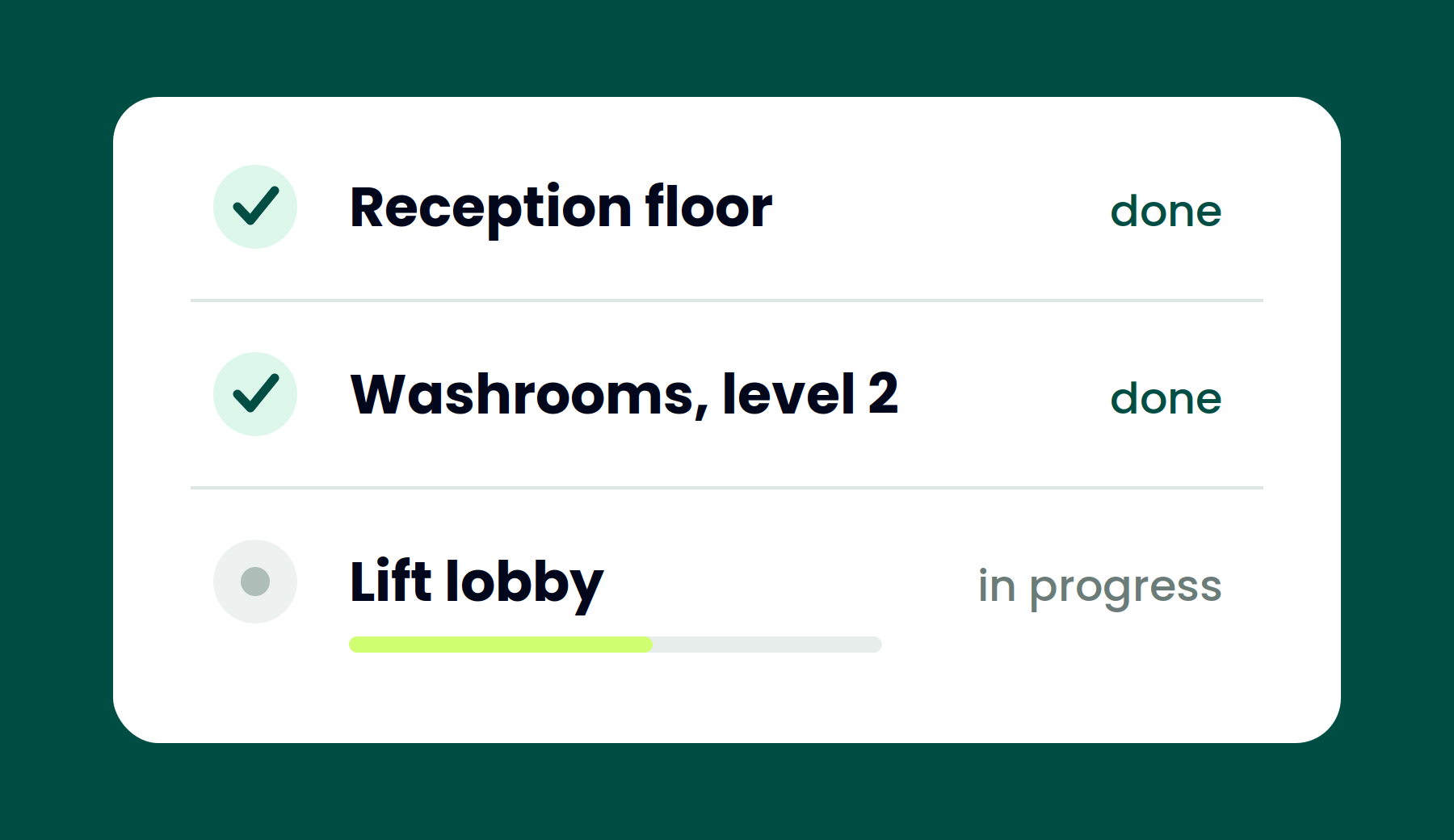
One shift, several jobs
A worker who spends the morning on one client's floor and the afternoon on another should appear on two invoices, not one. Time is tagged as it happens, so the split is recorded rather than reconstructed at month end.
- Tag time by job or activity
- Several tasks in one shift
- Client and site on every entry
- No reconstruction from memory
Billing that matches the work
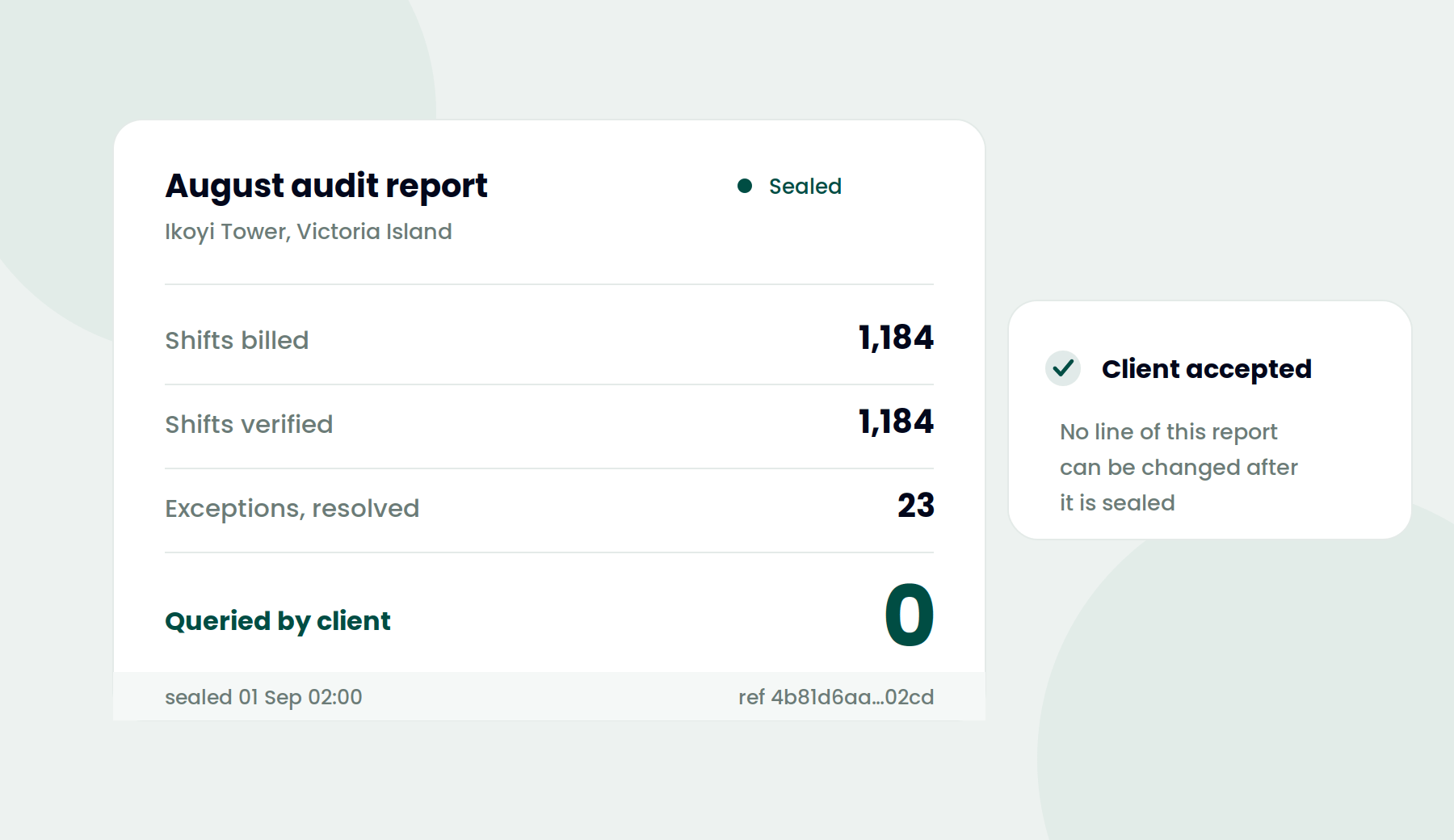
When your invoice is broken down by job and each line traces back to verified time on site, the conversation with your client changes. They are checking a record rather than taking your word for a total.
- Cost codes attached to time
- Hours grouped by client
- Every line traceable to a shift
- Exports for your billing system
Why it matters
Accurate margins
Know which contracts are actually profitable once labour is counted properly.
Cleaner invoices
Break the bill down by job with the records to support each line.
Less admin
No spreadsheet rebuilding what happened three weeks ago.
Explore the rest of the platform
Time Capture
Clock in from any phone in three seconds.
Proof of Work
Work photographs, tied to shift that produced them.
Shift Scheduling
Shift Scheduling that shows you who did not turn up.
Workforce & Sites
Register workers, assign phones, and draw site boundaries in minutes.
Reports & Audits
Generate reports and audits automatically.
See job tracking in action
Ninety seconds on a phone. Bring whoever checks your invoices.